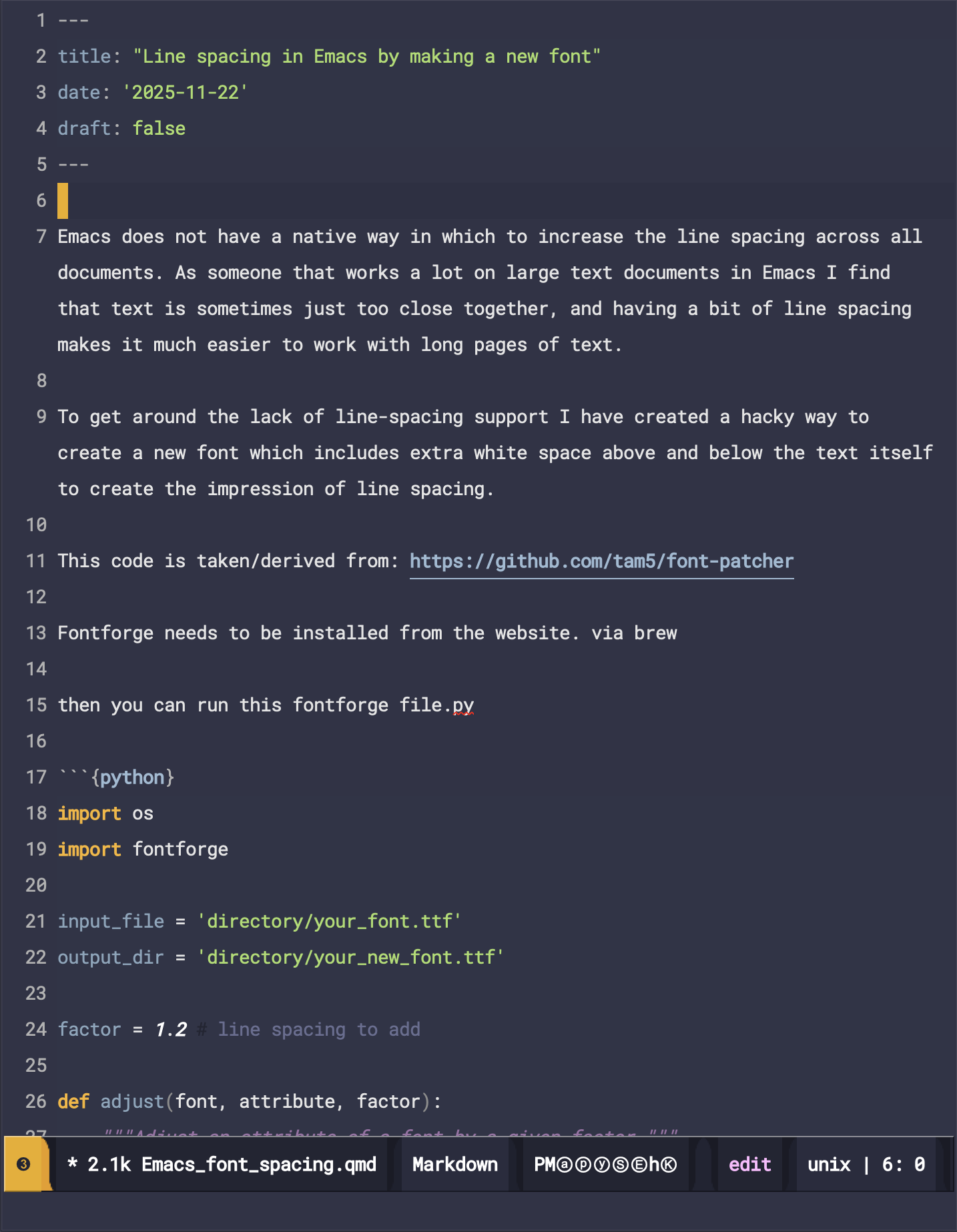
import os
import fontforge

input_file = 'directory/your_font.ttf'
output_dir = 'directory/your_new_font.ttf'

factor = 1.2 # line spacing to add

def adjust(font, attribute, factor):
    """Adjust an attribute of a font by a given factor."""
    original = getattr(font, attribute)
    new = int(getattr(font, attribute) * factor)

    setattr(font, attribute, new)


font = fontforge.open(input_file)

print('')
for prop in ['os2_winascent', 'os2_typoascent', 'hhea_ascent']:
    adjust(font, prop, factor)

for prop in ['os2_windescent', 'os2_typodescent', 'hhea_descent']:
    adjust(font, prop, factor * 2)

for attr in ['fontname', 'familyname', 'fullname']:
    value = "{} {}".format(getattr(font, attr), factor)
    setattr(font, attr, value)

font.copyright = "(c) {} Acme Corp. All Rights Reserved."

filename, extension = os.path.splitext(os.path.basename(input_file))
newFileName = "{}Patched {}{}".format(filename, factor, extension)

sfnt = {}
for el in font.sfnt_names:
    sfnt[el[1]] = el

sfnt["UniqueID"] = ('English (US)', 'UniqueID', font.fontname)
sfnt["Preferred Family"] = ('English (US)', 'Preferred Family', font.familyname)

font.sfnt_names = tuple(sfnt.values())

font.save(output_dir + "/" + newFileName)
font.generate(output_dir + "/" + newFileName)Emacs does not have a native way in which to increase the line spacing across all documents. As someone that works a lot on large text documents in Emacs I find that text is sometimes just too close together, and having a bit of line spacing makes it much easier to work with long pages of text.
To get around the lack of line-spacing support I have created a hacky way to create a new font which includes extra white space above and below the text itself to create the impression of line spacing.
This code is taken/derived from: https://github.com/tam5/font-patcher
Fontforge needs to be installed from the website. via brew
then you can run this fontforge file.py
And this is the result:
Before
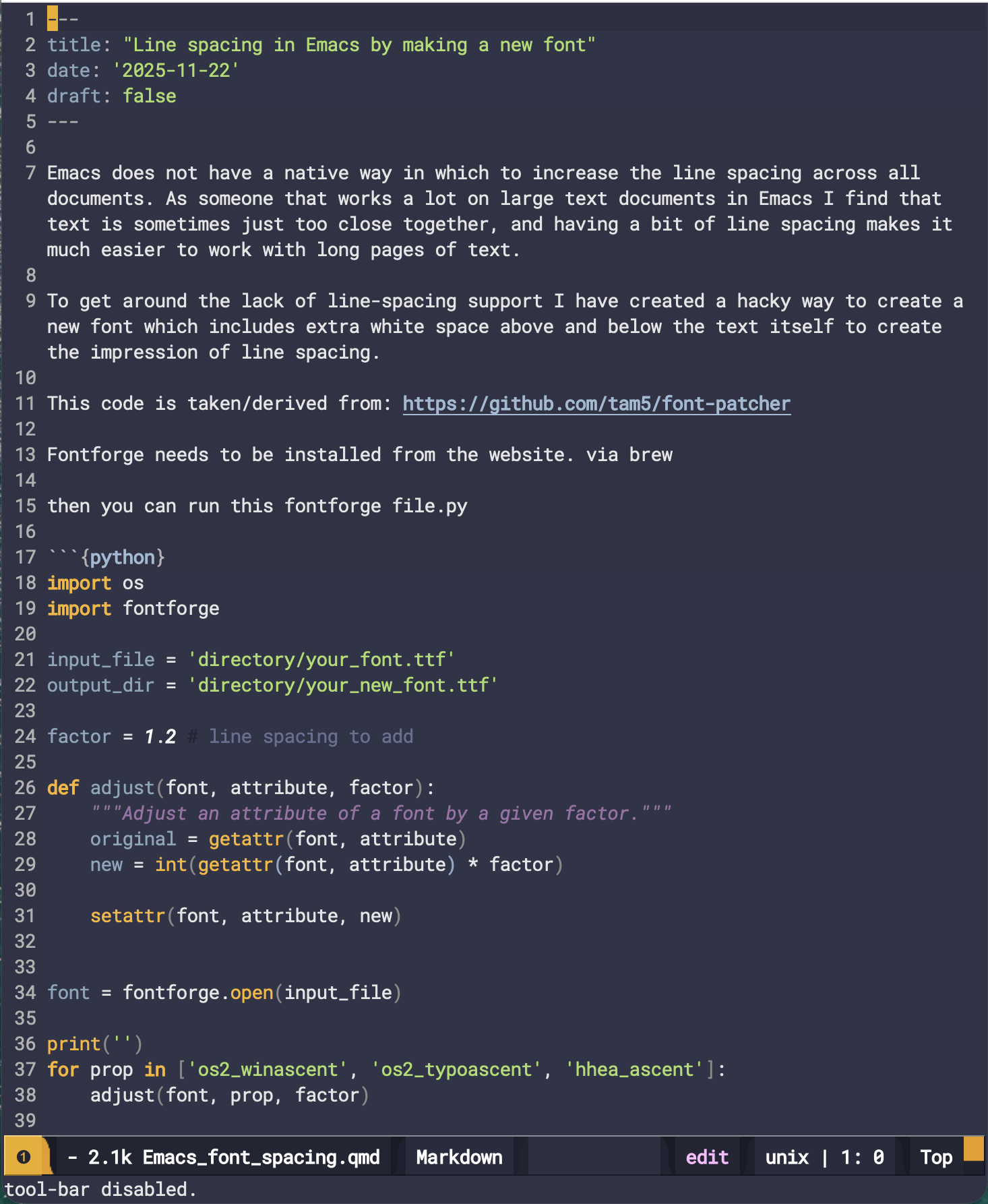
After